See Where a Function Is Called in VS Code
Another day, I was trying to find where function was called, so I copied the name and went to search tab to find the references. At that moment my college Robbe showed me easier way.
In VS Code, place your cursor on a defined function and hold Ctrl and click its name. Usually you jump to the definition, but if you are already at the definition, you can quickly jump to references. On macOS, use Cmd+Click. VS Code opens a references panel with every file and line where that function is called.
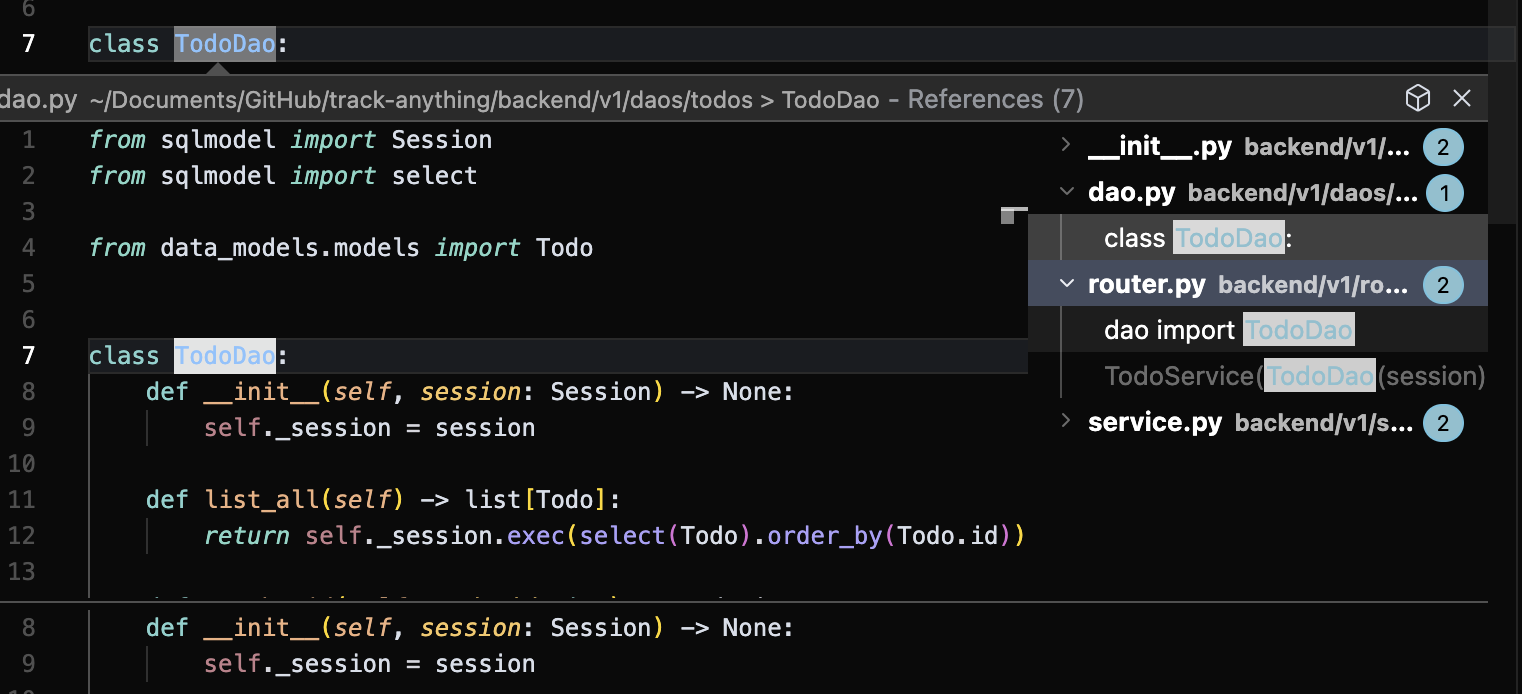
Much faster than searching by hand when you already know what the function does, but not who uses it, or need to find a location of usage quickly.