Pi-hole on Raspberry Pi to block ads and enhance security
Context
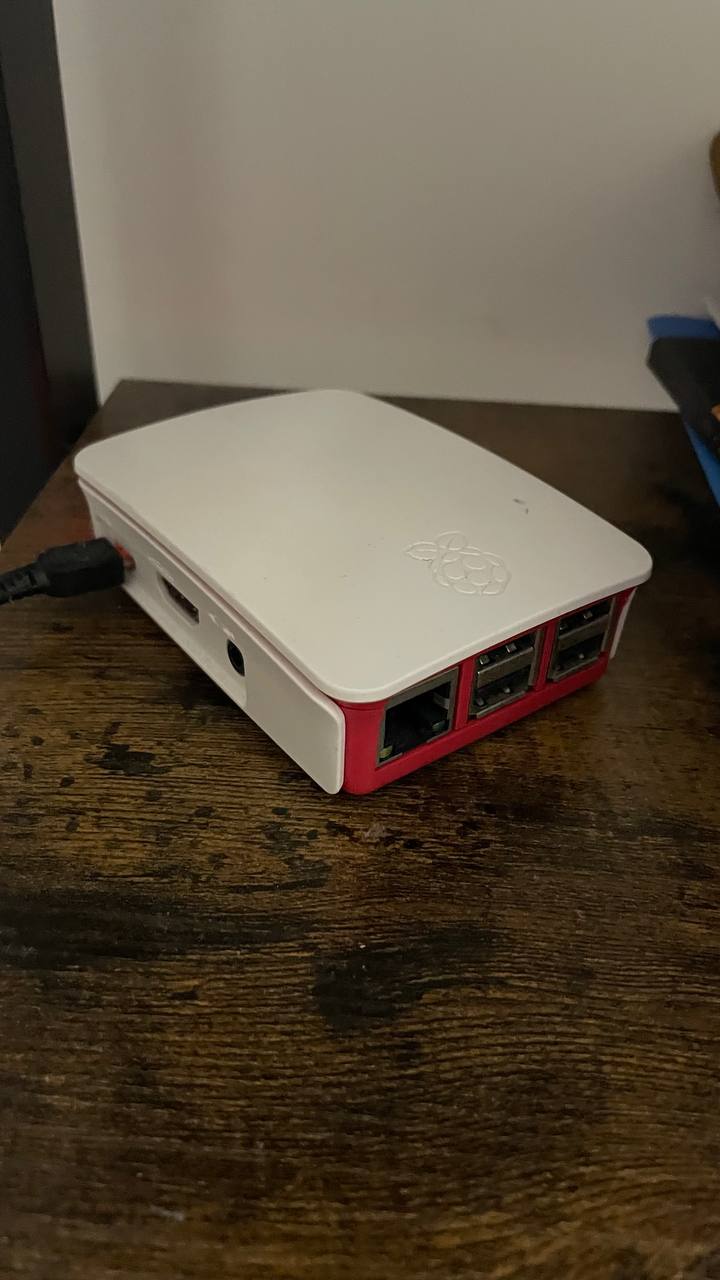
A while ago, I bought an electronic kit secondhand, and the previous owner included a Raspberry Pi 3. To be honest, I had no idea what to do with it. I tried connecting it to a screen, and I could browse the web, but that was about it. It is a very small computer, and I had no experience or idea of what to do with it. I resold the kit a few months later but decided to keep the Raspberry Pi for myself.
What I did
When searching for projects, I found Pi-hole. It is a DNS sinkhole that blocks ads and trackers at the network level. It’s a very popular project for Raspberry Pi and is easy to install.
Now, when I browse the web, it blocks ads and trackers automatically. It’s very cool. The beauty of it is that I don’t even have to load anything in my browser; it’s all blocked at the router level. It also enhances security by blocking access to malicious domains. You can find lists of blocked domains from multiple resources, but one of the most popular is Hagezi’s host list.
Guide:
- Follow an online guide to set up your Raspberry Pi.
- Add the DNS server to your local router and assign it a static IP address.
- Set up your phone or laptop to use this DNS server.
- Update all blocking lists in the Pi-hole admin interface.
Voila, that is it! Then you will see something like:
Conclusion
It is extremely useful, and I like it so much! ❤️